
Software · AZ Takeoff
Construction takeoff software: from the plan to a priced estimate.
Upload the plan and AZ Takeoff measures the rooms, walls and doors, checks the scale against the printed dimensions, and carries the numbers into an estimate.
What you get
- Upload a PDF plan and get rooms, walls and doors measured.
- A scale check against the dimensions printed on the plan, before you price anything.
- The takeoff becomes a priced estimate, without retyping.
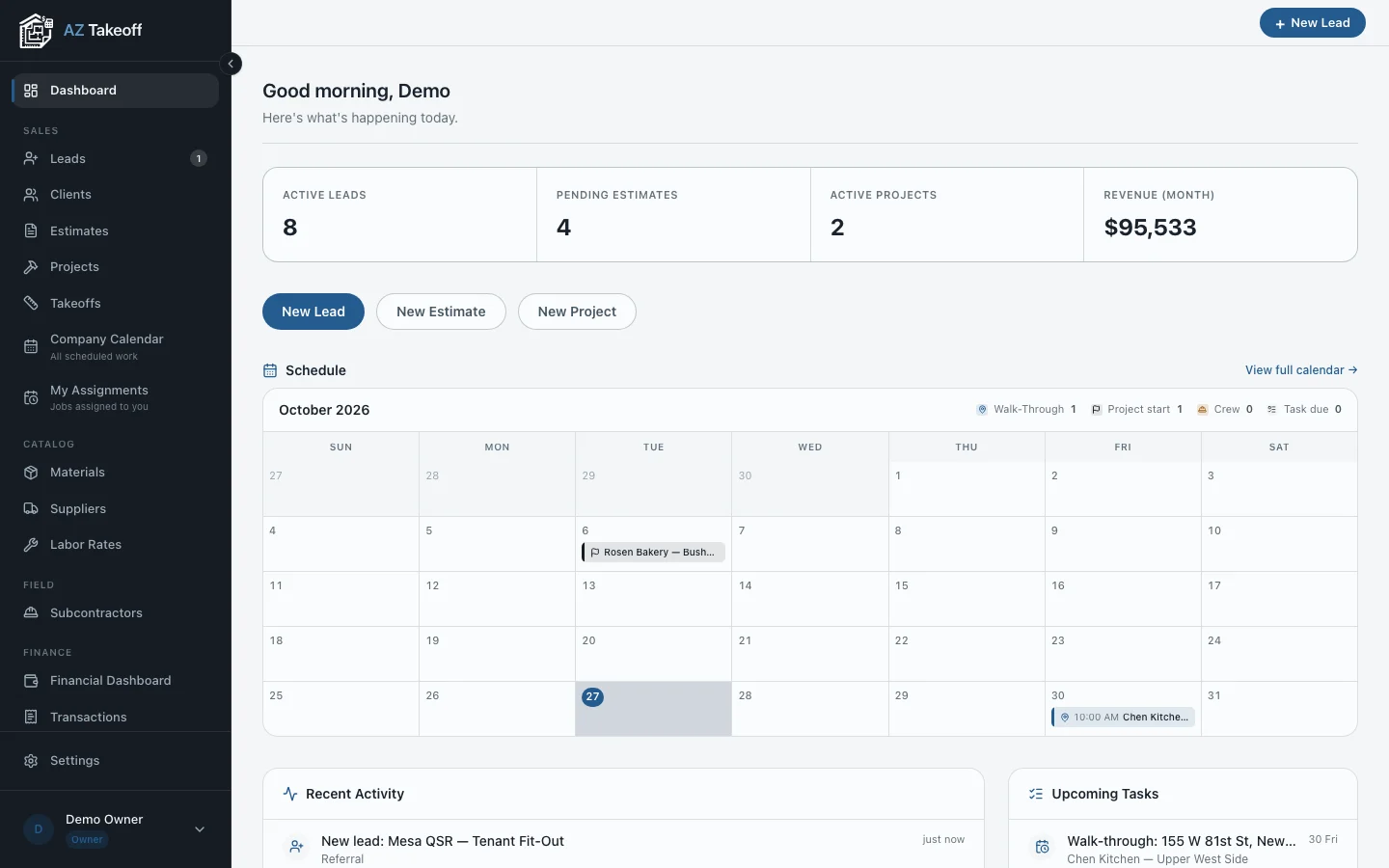
- Leads, estimates, projects and a calendar on one dashboard.
How it works
Upload the plan.
Name the project, choose the PDF and the scale from the title block.
Check the takeoff.
The scale check tells you if something is off. Review what it flags.
Price it and send it.
The measured quantities flow into the estimate your client receives.
Questions
What plans work best?
Vector PDFs exported from CAD or BIM software. Scanned drawings measure less reliably.
I only need the measurements as data. Is there an API?
Yes. My Floor-plan takeoff tool on Apify returns room areas, wall lengths and door counts per sheet.
Where do I sign up?
On the AZ Takeoff site, scope.azteamai.com.